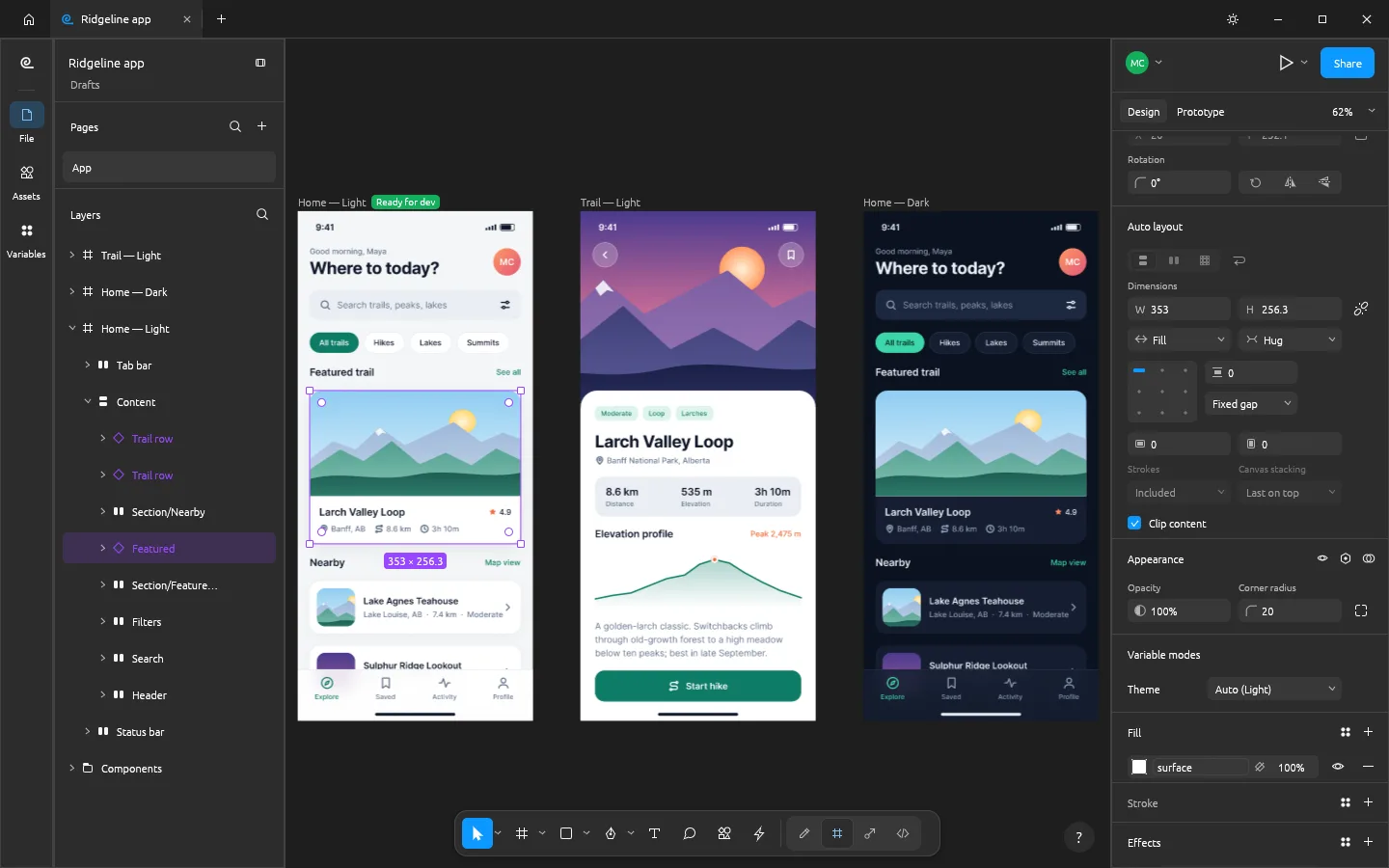
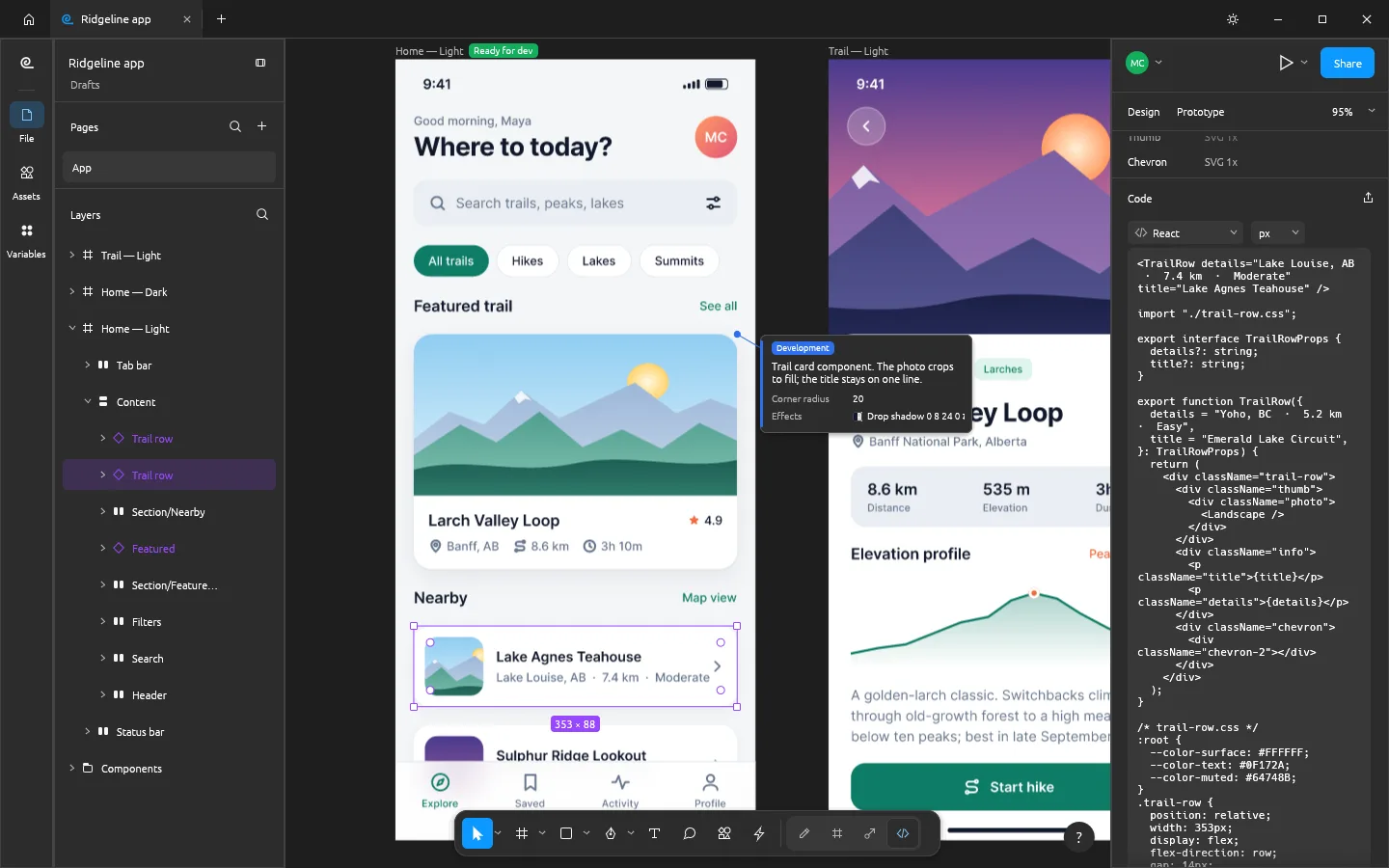
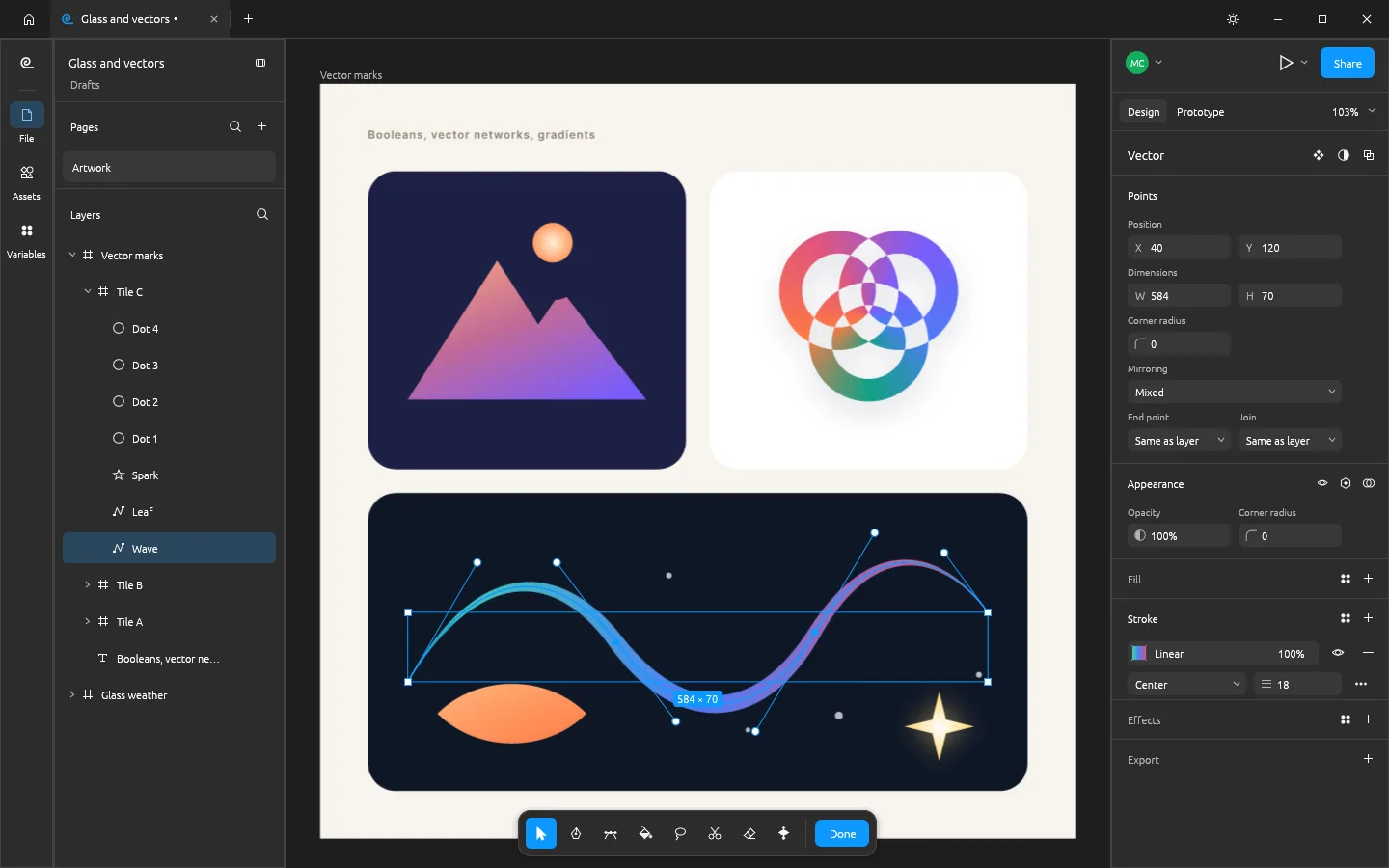
Auto layoutStacks, wrap and grids with Hug and Fill
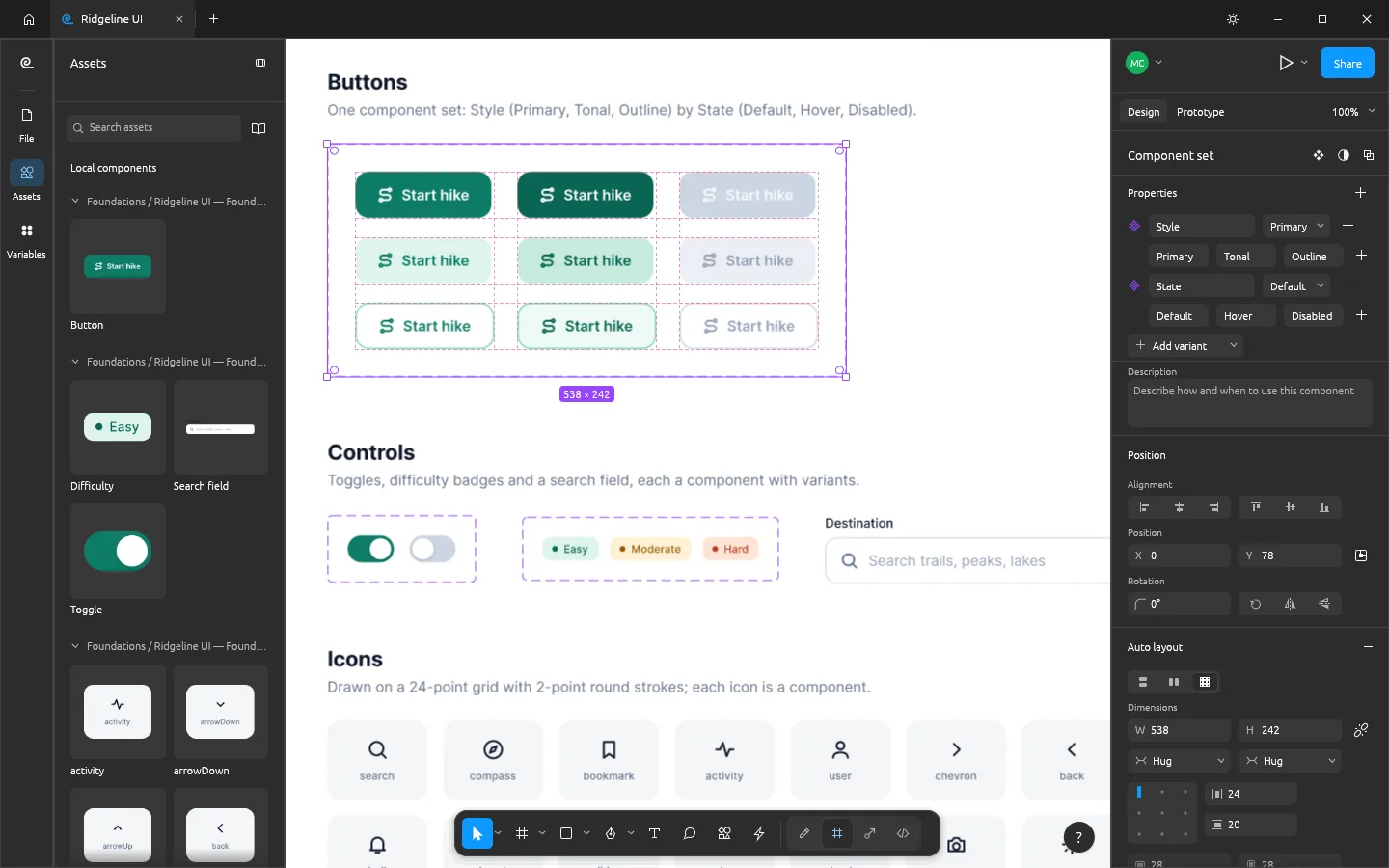
ComponentsVariants, properties, styles and variables
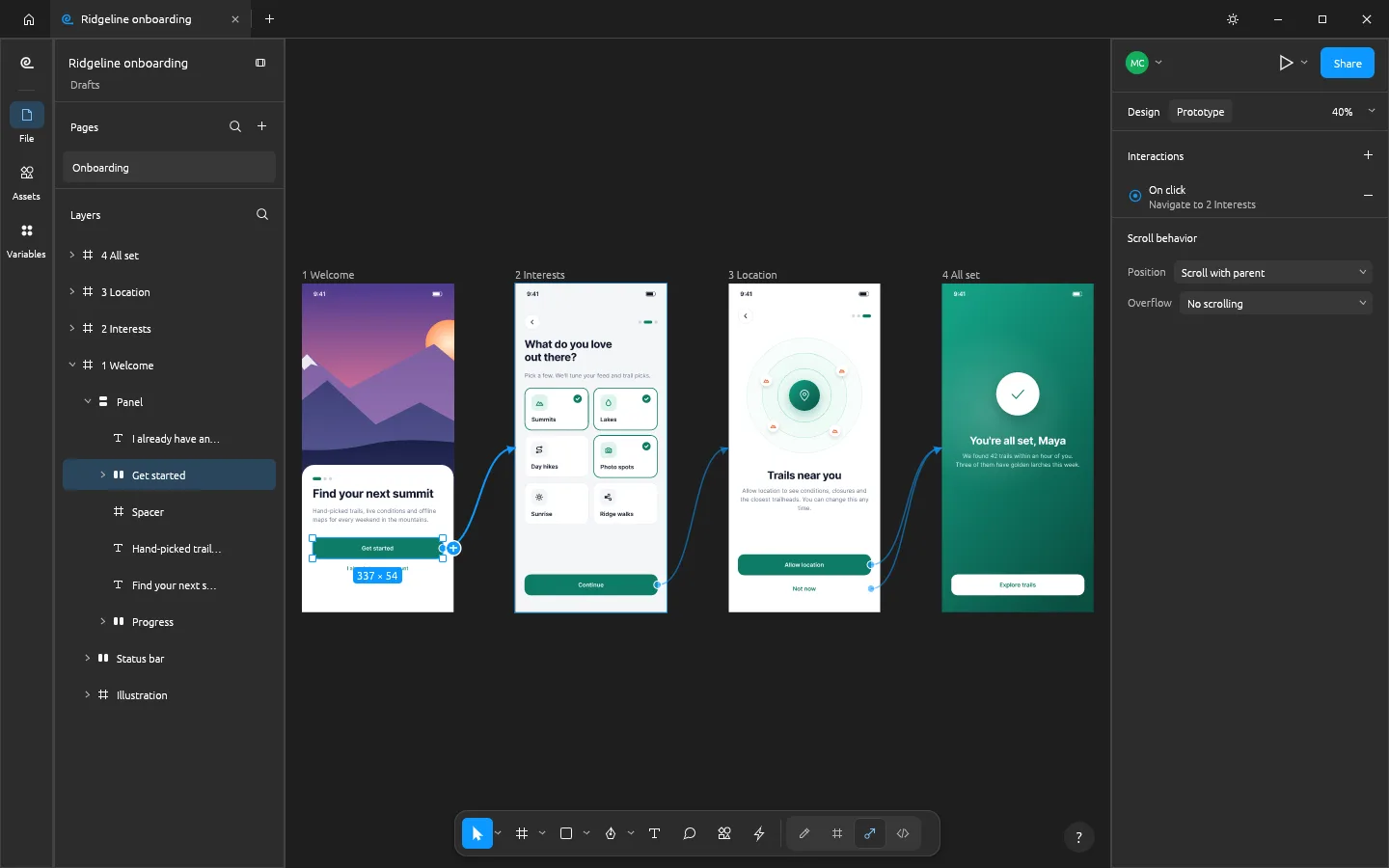
PrototypesConnections, transitions and conditions
Private by designYour design never leaves the tab
Questions
Is FigCraft Online free?
Yes. FigCraft is free and open source, and the editor needs no account. The optional AI tools are free with your own API key (your provider bills you for usage), or you can pay per use with Craft Apps credits, which need a free account.
Is FigCraft the same as Figma?
No. FigCraft is an independent, open-source design tool by the ArtCraft team that follows Figma’s layout, panels and shortcuts, so it feels familiar. It is in alpha: its developers estimate it is about half of the way to replacing Figma for real work. It isn’t made by or connected with Figma, Inc.
Can I save my work in the browser?
Not yet. The browser build of FigCraft 0.5 can’t save or export files, so your work lasts until you close the tab. To keep designs, use the free desktop app for Windows, macOS or Linux, which saves .figcraft files and exports PNG, JPG, WebP, SVG and PDF. Designs from our AI panel can be saved as SVG from the panel.
Can it open .fig files?
The desktop app opens .fig files on a best-effort basis, along with designs exported as Figma REST API JSON. The browser build can’t open files yet; on this site you can bring in SVG files (as editable layers) and PNG, JPG, WebP or GIF pictures with Import SVG or image.
Are my files uploaded anywhere?
No. FigCraft runs inside your browser with WebAssembly, and what you import stays in the tab. The only exception is the AI panel, which sends your prompt straight to the AI provider whose key you entered, or, with credits, to our Craft Apps service, which keeps nothing after it answers.
Can I collaborate with other people?
In preview. Someone using the FigCraft desktop app can share a file (Share › Start sharing) and give you the join code; you can join from this browser build and edit together, with live cursors and selections. The browser can join a session but can’t host one.
Which browsers work?
A current Chrome, Edge, Firefox or Safari with WebGPU or WebGL2. FigCraft uses WebGPU when it is available and falls back to WebGL2 on its own. A laptop or desktop with a mouse works best; FigCraft isn’t designed for touch.